Markdown or plain text
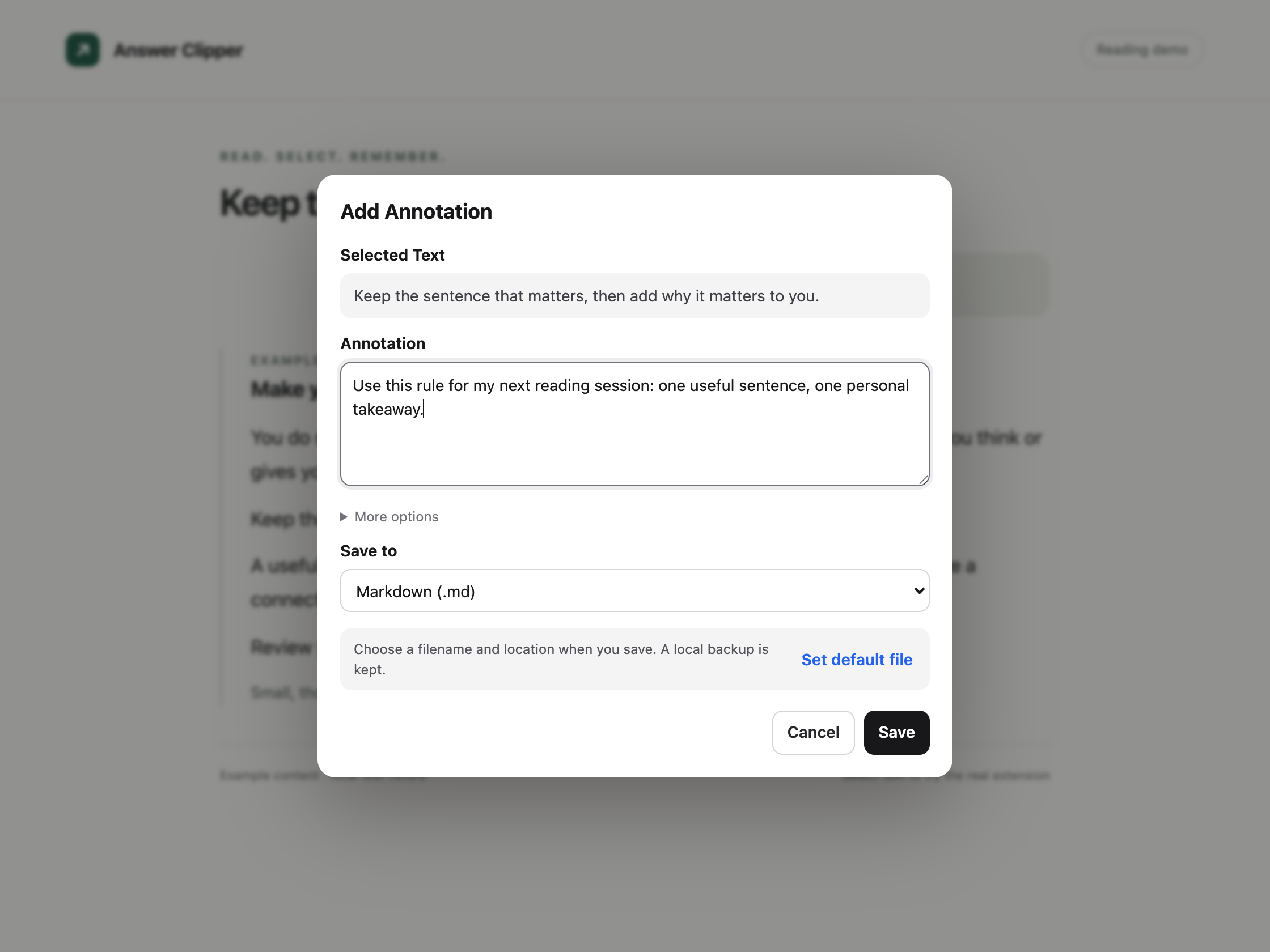
Choose a filename and location, or connect a reusable file to keep appending notes. Local saving needs no account, API key, or server.
 AnyAnnotate
WEB HIGHLIGHTS & NOTES
Select a sentence. Add your own thought. Save it where you want, without interrupting your reading or sending another chat message.
Previously Answer Clipper. Same project, same notes. Open-source under the MIT License. AnyAnnotate 0.6.3 was submitted to the Chrome Web Store on September 13, 2026. It is pending review and will be published automatically after approval.
YOUR NOTES, YOUR DESTINATION
Choose a filename and location, or connect a reusable file to keep appending notes. Local saving needs no account, API key, or server.
Collect excerpts from different pages, then export them together when you finish reading. Each saved annotation has a local copy, including cloud saves.
Connect Google, choose a document or create one, and append notes. Google authorization verification is still pending, so cloud access may show an unverified-app warning and remains limited while release preparation continues. Local saving needs no Google account.
AnyAnnotate processes text you intentionally select and saves it only when you choose Save. There is no analytics, advertising, or AI processing in the extension, and no AnyAnnotate server receives your notes.
Google Docs actions send your quote, annotation, source title, and supported link directly to Google. The extension reads the chosen document to append safely and avoid duplicates. Google's document permission is broader than one file, but AnyAnnotate does not list or scan unrelated documents.
The Chrome extension works on ordinary HTTP and HTTPS pages, including articles, documentation, blogs, and ChatGPT. It supports local HTML files when Chrome file access is enabled. It does not support Chrome settings, the Web Store, built-in PDF viewers, editable fields, embedded frames, or canvas-rendered text.
The repository also includes a macOS app for system-wide annotation and an experimental local-only MCP app. The Chrome extension is for desktop Chrome, not mobile Chrome.
Maintained by guoziyu415. For help, see the installation guide or report an issue. Do not post private notes or credentials in public issues.